



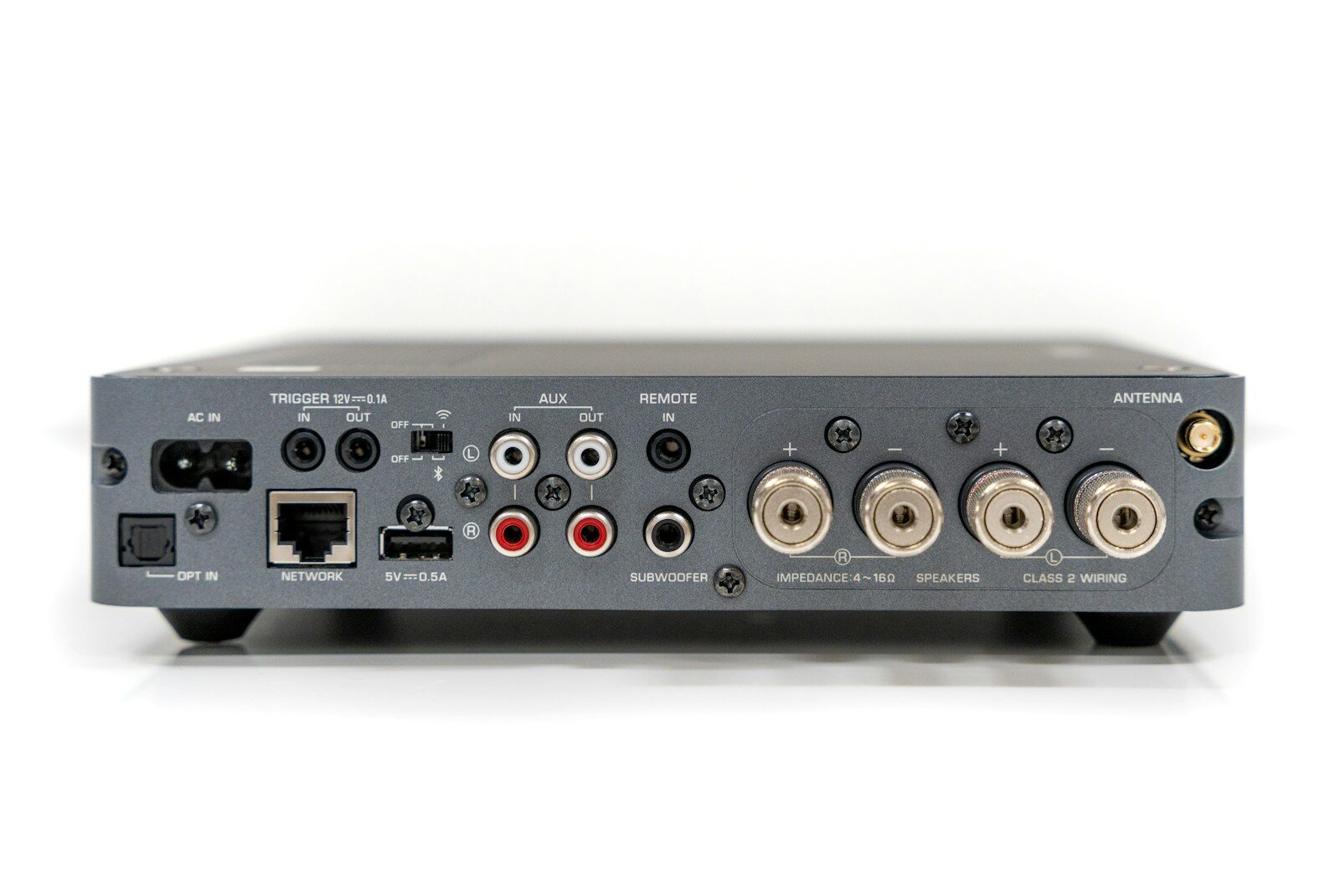
The digital RF modulator Minimod 2 by VeCOAX (ProVideoInstruments) is one of the most highly regarded HDMI-to-coax signal distribution devices available today. It converts any HDMI video source into a full HD digital RF channel and distributes that signal to an unlimited number of televisions over existing coaxial cables. Therefore, it eliminates the need for new wiring, streaming sticks behind every TV, or complex AV matrix setups.
Since its introduction, the VeCOAX Minimod 2 has won multiple industry awards, including Best in Show prizes and Product of the Year in 2019. It remains the most trusted single-channel HDMI RF modulator in its category. Furthermore, its combination of professional-grade performance, plug-and-play simplicity, and a five-year warranty makes it a standout choice for homes, hotels, hospitals, schools, and commercial installations alike.
What Is the Digital RF Modulator Minimod 2?
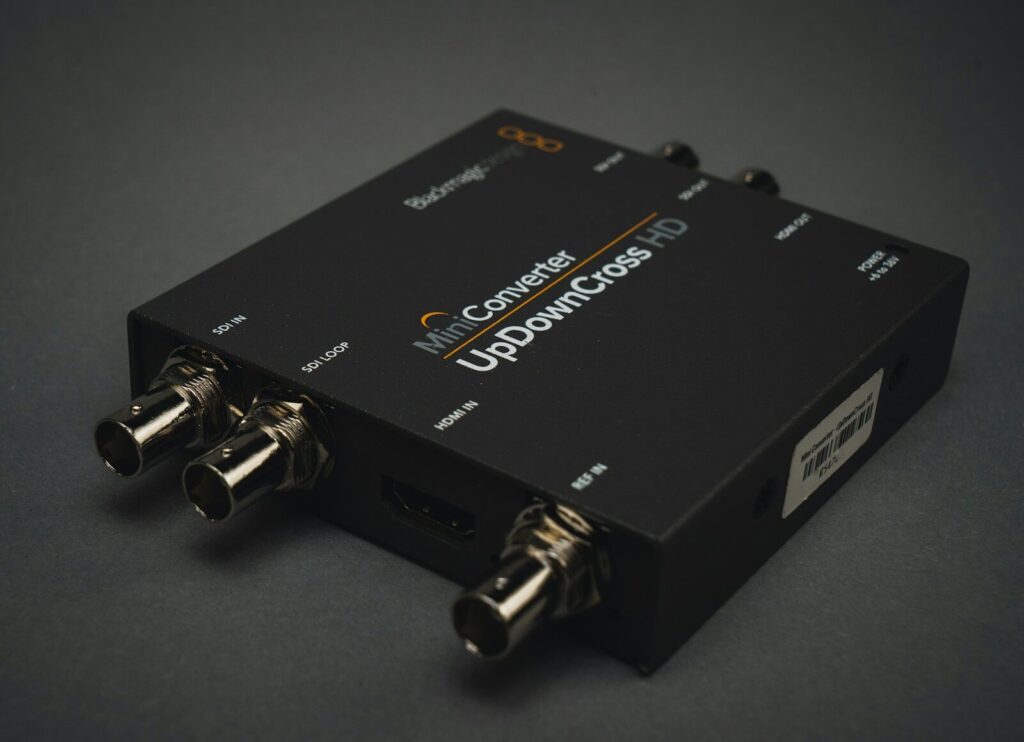
The VeCOAX Minimod 2 is a compact, professionally engineered device that takes any HDMI signal and re-broadcasts it as a new digital TV channel over a standard coaxial cable network. Any television already connected to that coax network receives the new channel simply by performing a channel scan, with no additional hardware or cables required at each TV. As a result, you can distribute a single HDMI source, such as a Blu-ray player, streaming box, security camera feed, or digital signage, to every screen in a building simultaneously.
It supports all major broadcast standards including ATSC (North American over-the-air), QAM (cable), DVB-T, DVB-C, and ISDB-Tb. Therefore, it integrates seamlessly with virtually any existing TV distribution infrastructure anywhere in the world. The device is manufactured in the USA and comes with free unlimited technical support from ProVideoInstruments, which sets it apart from most competing products in this segment.
Key Features of the Minimod 2
The Minimod 2 packs a professional-grade feature set into a compact and user-friendly chassis. Each feature addresses a specific real-world need for users distributing video across multiple screens. Additionally, the combination of all these features in a single device at its price point is difficult to match among competitors.
- Full HD 1080p video encoding at 60fps: The Minimod 2 encodes incoming HDMI signals using MPEG2 compression at up to 1080p resolution and 60 frames per second. This delivers crystal-clear video quality on every connected television, even on large screens where lower-quality signals degrade visibly.
- Dolby Digital audio support: Audio encoding supports Dolby Digital Stereo and LPCM formats. As a result, every television on the network receives rich, immersive sound quality without any additional audio hardware or processing equipment.
- Agile RF output (30 MHz to 951 MHz): The RF output covers a wide frequency range, allowing the device to operate on virtually any channel position without interference. Users can configure the output frequency to avoid conflicts with existing cable or antenna channels already present in their system.
- Configurable channel number (1 to 9999): Users can assign any channel number and a custom channel name through the device’s built-in color display. TVs on the network scan and find the new channel exactly like any other broadcast or cable channel.
- RF output level of +45dBmV: This powerful output signal drives over 9,800 feet (approximately 3,000 meters) of coaxial cable without requiring additional amplification. Furthermore, it supports an unlimited number of simultaneous televisions without signal degradation across the network.
- Closed captioning passthrough: The Minimod 2 passes closed captioning data embedded in the incoming HDMI signal directly to every destination television. This is a critical compliance feature for hotels, hospitals, educational institutions, and any public display environment.
- Dual F-Type RF connectors: The dual RF connectors allow the device to both output its own signal and pass through existing antenna or cable signals on the same coax run. Therefore, the new channel combines seamlessly with existing channels without any disruption or additional splitters.
- Color display and keypad controls: All configuration happens directly on the device through an intuitive built-in color display and keypad. Alternatively, users can configure the unit via a computer using the included USB port, which is especially useful for bulk deployments across multiple units.
- Real-time processing: Unlike some lower-cost modulators that introduce noticeable latency, the Minimod 2 processes and transmits video in real time. This makes it fully suitable for security and surveillance applications, live monitoring, and interactive content where delay is unacceptable.
Technical Specifications at a Glance
- HDMI input resolution: 1080p, 1080i, 720p, 576p, 576i, 480p, 480i at 24, 50, and 60fps
- Video encoding: MPEG2 Full HD 1080p
- Audio encoding: Dolby Digital Stereo; LPCM
- RF output standards: QAM Cable; ATSC Air; DVB-T; DVB-C; ISDB-Tb (model dependent)
- RF frequency range: 5 to 950 MHz
- RF channel bandwidth: 6, 7, or 8 MHz (model specific)
- RF output power: +45dBmV (~negative 8 dBm)
- RF connector type: F-Type Dual
- Coaxial cable impedance: 75 ohms
- Supported coax cable types: RG59; RG6
- Maximum transmission distance: up to 3,000 meters (~9,800 feet) depending on cable loss
- Device weight: 1.5 pounds
- Warranty: Five years with free unlimited technical support
How to Set Up the Digital RF Modulator Minimod 2
One of the Minimod 2’s most praised qualities is how straightforward its installation process is. Most users complete the full setup in under 15 minutes, even without prior RF or AV experience. Furthermore, the plug-and-play design means no special tools, no new cable runs, and no configuration software are required for a basic installation.
Follow these steps to get your Minimod 2 up and running:
- Step 1: Connect your HDMI source. Plug your HDMI cable from your video source (Blu-ray player, Apple TV, streaming stick, security DVR, or any HDMI-equipped device) directly into the HDMI input port on the Minimod 2.
- Step 2: Connect the RF output to your coax network. Use a standard coaxial cable to connect the RF output port on the Minimod 2 to your TV wall socket, coax splitter, or cable distribution box. The device integrates directly into your existing coax infrastructure without disturbing other channels already running on that cable.
- Step 3: Power on the device. Connect the included power adapter to the unit. The color display activates immediately and shows the current configuration settings.
- Step 4: Set your desired channel number and name. Use the front-panel keypad to navigate the color display menu. Enter the channel number (1 to 9999) and a custom channel name of your choice. For example, you might label it “LOBBY CAM,” “BOARDROOM,” or “KIDS TV” depending on your application.
- Step 5: Select your broadcast standard. Choose the appropriate RF output mode (ATSC for US over-the-air, QAM for cable, DVB-T for European markets, etc.) using the display menu. This ensures the signal is compatible with the tuners in your TVs.
- Step 6: Rescan channels on your televisions. On each TV connected to the coax network, perform a full channel scan or auto-tune. The TV will detect the Minimod 2 channel as a new available HDTV channel and add it to the channel list automatically.
- Step 7: Expand as needed. If you need to distribute additional HDMI sources across the same coax network, simply add another Minimod 2 unit. Each unit operates on a different channel, and all units share the same coax without interference.
Performance: What Users Actually Experience
The Minimod 2 consistently earns strong praise from users across residential, hospitality, and commercial installations. Its real-time processing delivers lag-free video that makes it suitable even for live event broadcasting and security monitoring applications where delay causes serious problems.
Additionally, the +45dBmV output power stands out as one of the strongest among single-channel modulators in this price range, which directly translates to reliable signal delivery across large coaxial networks.
Users frequently highlight the picture quality as noticeably superior to cheaper competing modulators. The MPEG2 encoding at full 1080p produces sharp, artifact-free images even on large-screen 4K televisions upscaling the signal. However, some technically experienced users note that optimizing the RF output level to balance against other channels on a shared network requires a small amount of signal-level knowledge. ProVideoInstruments’ free unlimited technical support team addresses these situations directly, which most users find resolves any issues within a single phone call or email exchange.
Best Use Cases for the Minimod 2
The Minimod 2 fits naturally into a wide range of applications. Its combination of high output power, real-time processing, and compatibility with every TV standard makes it versatile enough to serve both simple home setups and complex commercial deployments.
- Hotels and hospitality: Distribute a welcome channel, local news feed, or promotional content to every guest room TV over the existing coax infrastructure without replacing any cables or installing set-top boxes in each room.
- Hospitals and healthcare facilities: Deliver patient education content, live surgical feeds, or staff communications to multiple screens across a facility. Closed captioning passthrough also meets ADA compliance requirements.
- Schools and universities: Broadcast classroom sessions, event coverage, or announcement channels to every TV on campus using existing cable distribution infrastructure.
- Retail and digital signage: Play promotional content, product demos, or brand videos on every screen in a store from a single media player connected to one Minimod 2.
- Home theater and multi-room setups: Share a single cable box, Apple TV, or Blu-ray player across every TV in the house using existing coax without additional set-top boxes or streaming devices in each room.
- Security and surveillance: Broadcast live security camera feeds to multiple monitor screens in real time across a facility using the existing coax infrastructure.
How the Minimod 2 Compares to Cheaper Alternatives
Budget RF modulators in the $50 to $150 range exist, but they fall short in several critical areas compared to the Minimod 2. Understanding these differences helps justify the Minimod 2’s higher price point for applications where reliability and quality actually matter.
- Signal output power: Budget modulators typically output at 20 to 35dBmV. The Minimod 2 outputs at +45dBmV, meaning it drives significantly longer cable runs and more TV drops without amplification.
- Encoding quality: Cheaper units often use lower-bitrate encoding that produces visible compression artifacts at full screen. The Minimod 2’s advanced multi-layer motion estimation encoding eliminates these artifacts even on the largest 4K screens.
- Broadcast standard flexibility: Most budget units support only one or two RF standards. The Minimod 2 supports ATSC, QAM, DVB-T, DVB-C, and ISDB-Tb, making it compatible with any market worldwide.
- Warranty and support: Budget alternatives typically offer 30 to 90 day warranties with no direct support. The Minimod 2 includes a five-year warranty and free unlimited lifetime technical support from the manufacturer.
- Real-time processing: Many lower-cost units introduce 1 to 3 seconds of latency due to buffered encoding. The Minimod 2’s real-time processing means zero perceptible delay on any connected screen.
The digital RF modulator Minimod 2 earns its reputation as the best single-channel HDMI RF modulator in its class through consistent performance, thoughtful engineering, and outstanding post-purchase support.
Whether you are setting up a two-room home system or distributing video across a 200-room hotel, the Minimod 2 delivers professional results that budget alternatives simply cannot match. Its five-year warranty, unlimited tech support, and rock-solid signal output make it a long-term investment that pays for itself through reliable, maintenance-free operation year after year.
